

Seeing an error code on your KuKirin G2 electric scooter can be worrying, especially when you are ready to ride. However, many dashboard warnings are related to specific components such as the motor, battery, throttle, brake or controller.
Knowing what the different KuKirin G2 error codes mean can help you identify the problem and decide what to check next.
Note: Error-code behaviour can vary depending on the scooter version or controller. The information below is a general troubleshooting guide. If an error remains after basic checks, contact KuKirin support for further assistance.
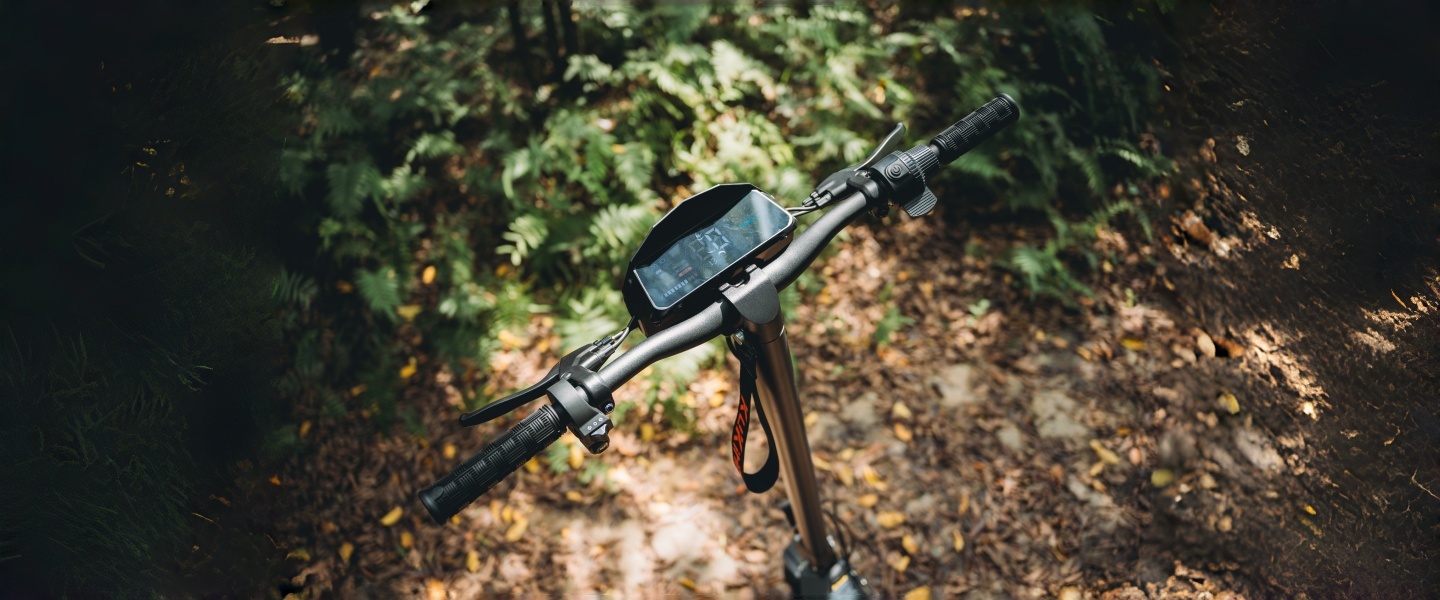
Common KuKirin G2 Error Codes
E-0: Motor Fault
The E-0 error code may indicate a motor or motor-related problem.
First, switch off the scooter and check whether the wheel can rotate normally. Make sure nothing is blocking the wheel and that there is no obvious damage around the motor or cable.
Restart the scooter after checking. If the E-0 warning comes back, the motor or related wiring may need further inspection.
E-1: Battery Overvoltage
E-1 is associated with battery overvoltage.
If this warning appears after charging, switch off the scooter and disconnect the charger. Allow the scooter to rest before trying again.
If the error continues to appear, avoid repeated charging or riding attempts and contact customer support. The battery and charging system may require professional inspection.
E-2: Battery Undervoltage
The KuKirin G2 E-2 error can indicate that the battery voltage is too low.
Start by fully charging the battery using the correct charger. Once charging is complete, restart the scooter and check the dashboard.
If E-2 remains after a full charge, there may be an issue with the battery, charger or electrical connections.
E-3: Controller Fault
E-3 generally points to a controller-related fault.
Because the controller is an important part of the scooter's electrical system, avoid opening or modifying it yourself. Check for any obvious loose external connections, then contact support if the warning remains.
E-4: Throttle Error
If the display shows E-4, the throttle or accelerator connection may have a problem.
Check that the throttle connector is securely connected and that the throttle moves normally. If the error does not disappear after restarting the scooter, the throttle may need to be inspected or replaced.
E-5: Brake Signal Error
The E-5 error code is related to the brake signal.
Make sure the brake lever returns to its normal position and check the brake-lever connection. If reconnecting the cable does not solve the problem, the brake lever or its sensor may require replacement.
Do not continue riding if the scooter is displaying a persistent brake-related warning.
E-6: Communication Error
E-6 may indicate a communication problem between electrical components.
Check the main wiring connection and make sure the connector is properly seated. If the warning remains after restarting, further inspection of the main cable or controller may be required.
E-7: Hall Sensor Error
The E-7 error is commonly associated with the motor's Hall sensor system.
Check the motor cable and connector for obvious connection problems. If E-7 continues to appear, professional inspection of the motor and controller may be necessary.
What Does a Flashing “88” Mean?
If the KuKirin G2 dashboard displays a flashing “88” warning, it may be related to the motor or a protection condition.
For example, continuous high-power operation can increase motor temperature. Stop riding and allow the scooter to cool down before restarting it.
If the warning returns after the scooter has cooled, stop using the scooter and contact support for further diagnosis.
Simple KuKirin G2 Troubleshooting Steps
Before arranging a repair, you can try a few basic checks:
- Turn the scooter off and restart it.
- Check visible cables and connectors.
- Make sure the wheel and brake system move normally.
- Fully charge the battery when a low-voltage warning appears.
- Allow the motor to cool if a warning appears after extended high-power riding.
- Do not disassemble electrical components unless instructed by a qualified technician.
If you need replacement components, you can also check the official KuKirin G2 spare parts and accessories collection.
When Should You Contact KuKirin Support?
If the same error code appears repeatedly after basic checks, it is best to stop troubleshooting and contact the support team.
When contacting support, provide:
- Your KuKirin G2 model
- The exact error code
- A clear photo of the dashboard
- A short description of when the error appears
- Your order information if required
This information can help the support team identify the problem more efficiently.
For riders considering another KuKirin model, you can explore the full KuKirin electric scooter range or browse KuKirin G2 accessories for compatible accessories.
Final Reminder
A dashboard error does not always mean that a major component has failed. In some cases, a loose connection, low battery voltage or temporary motor protection can trigger a warning.
However, do not ignore a persistent error code, especially one related to the battery, brakes, motor or controller. When in doubt, stop riding and seek professional assistance.